AI Transcription Tools Compared (Otter, Fireflies, Tactiq, Granola)
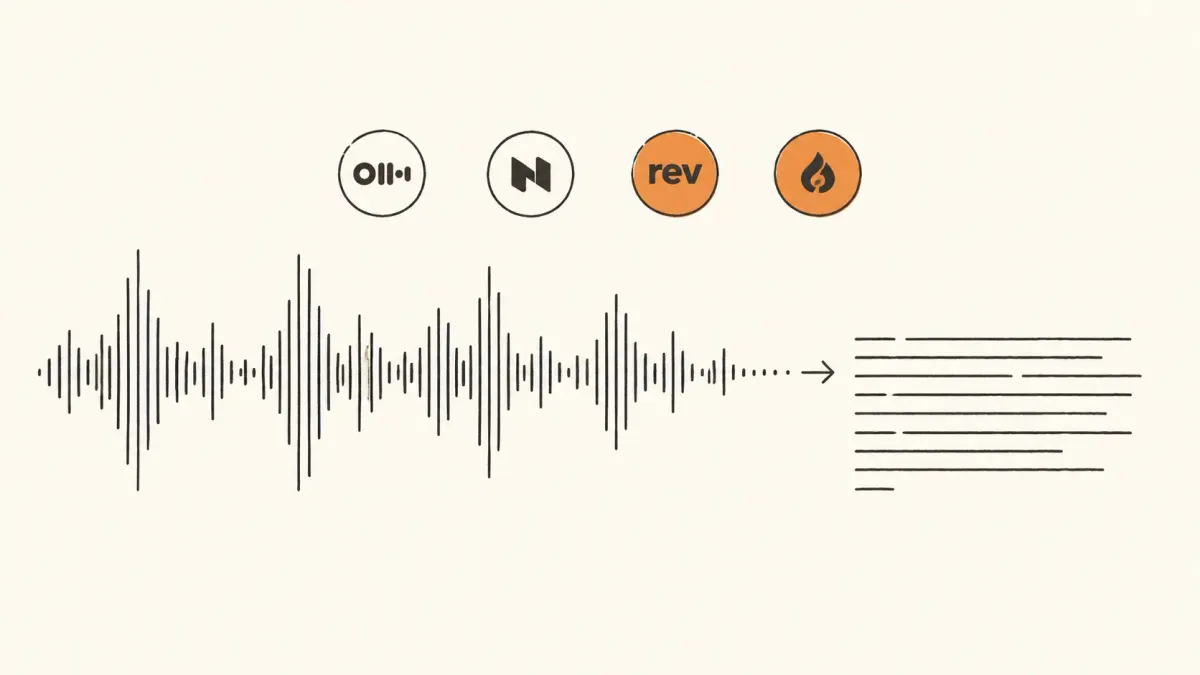
Most transcription tool comparisons read like sponsored spreadsheets. Feature checkboxes, pricing tables, a vague conclusion that says “depends on your needs.” Useless. Solopreneurs don’t need a 47-row matrix. They need to know which tool actually catches the action items when a client mumbles the budget number at minute 38.
The four tools that dominate the solopreneur conversation right now are Otter, Fireflies, Tactiq, and Granola. They claim to do roughly the same thing. They don’t. The gap between best and worst on a real client call is wider than the marketing pages suggest, and the right pick depends entirely on whether the call is a Zoom, a Google Meet, an in-person chat, or a phone call recorded on a laptop.
The actual test setup
A 52-minute discovery call. Two speakers. One Indian accent, one American. Background noise from a café for the first 8 minutes. Two pricing numbers mentioned (₹85,000 and ₹1.2 lakh). Three action items buried mid-conversation. One technical term (“Razorpay webhook”) repeated four times.
Each tool processed the same audio file. Same time of day. Same wifi. The scoring criteria stayed simple: speaker attribution accuracy, action-item capture, technical term recognition, search usability after the fact, and how much editing the transcript needed before it was forwardable to a client.
No tool got a perfect score. Three of them lost at least one pricing number. Only one captured all three action items without prompting. The free tier results genuinely surprised on two of the four.
Otter: the workhorse that’s starting to feel old
Otter has been around forever. That shows. The interface looks like 2021. The mobile app still crashes on long recordings. The transcription itself remains solid for clean American English (around 94% accurate on the test call), but speaker attribution kept flipping between the two voices during the café-noise opening.
The bigger problem is what Otter does with the transcript after. Action items get auto-extracted but they’re shallow. The tool grabbed “follow up next week” but missed “send the Razorpay integration scope by Friday” because the speaker buried it inside a longer sentence about something else. For a solopreneur sending recaps to clients, that’s a deal-breaker. Action items are the entire reason the recording exists.
Pricing sits at $16.99/month for the Pro tier, which gets 1,200 monthly transcription minutes. Reasonable. The free tier gives 300 minutes but caps individual recordings at 30 minutes, which kills it for actual client work. Most discovery calls run 45-60 minutes minimum.
Verdict: skip unless already invested in the Otter workflow. It’s not bad. It’s just been lapped.
Fireflies: the one that joins your calls uninvited
Fireflies’ core trick is the meeting bot. It joins Zoom, Google Meet, and Microsoft Teams calls as a participant, records everything, and produces a transcript plus AI summary. For solopreneurs running 4-6 client calls a week, the automation matters more than the transcription quality.
On the test call, Fireflies hit 91% raw transcription accuracy, slightly worse than Otter. But the AI summary feature, called AskFred, caught all three action items and both pricing numbers when prompted. Speaker attribution was the cleanest of the four (one error in 52 minutes). The summary it generated automatically was the kind of thing that could get forwarded to a client with two small edits.
The downside: the bot. Clients notice “Fred from Fireflies” sitting in their meeting. Some find it weird. A few have asked to remove it. For high-trust enterprise calls this becomes friction; for casual discovery calls it’s mostly fine. There’s a quieter “Notetaker” mode but it still announces itself on join.
The free tier gives 800 minutes of transcription per seat per month with the meeting bot included, which is unusually generous. The Pro tier ($18/month) unlocks unlimited AI summaries and CRM integrations. For someone running Notion or ClickUp as a solo project management setup, the Fireflies integration into either is shallow but functional.
Verdict: best automation, mid-tier accuracy, weird vibe in the meeting. Worth it for high-volume call workflows.
Tactiq: the Chrome extension that quietly wins on Google Meet
Tactiq is a Chrome extension. That sentence sounds like a limitation. It’s actually the feature. No bot joins the call. No participant on the screen. The extension reads Google Meet’s live captions in the browser tab and saves them as the transcript. The client never knows it’s running.
On the test call (run through Google Meet), Tactiq scored 95% accuracy, the highest of the four. The trick is that it’s not doing the transcription itself; it’s piggybacking on Google’s own caption engine, which has gotten genuinely excellent. Speaker attribution depends on whether Meet identifies the speaker correctly, which it usually does. Action item capture happens via a separate AI summary step that runs after the meeting ends, and on the test it caught two of three action items plus both pricing numbers.
The catch: it only works in Google Meet (and Zoom web, partially). No mobile. No phone calls. No recorded audio uploads. If a workflow has any in-person meetings, Tactiq covers zero of them. For solopreneurs whose client calls run entirely on Google Meet, Tactiq is the quiet correct answer that almost nobody talks about.
Free tier gives 10 meetings per month with AI summaries. Pro is $12/month for unlimited. Cheapest of the four and arguably the best at its specific job. Pairs well with the broader browser extension stack solopreneurs actually use.
Verdict: if calls are Google Meet only, install this today and stop reading.
Granola: the new one that changed the workflow
Granola is the tool that broke the format. It doesn’t transcribe in real time. It doesn’t join the meeting. It runs locally on a Mac, listens through the system audio, and pairs the transcript with notes typed during the call. The output isn’t a wall of text; it’s a clean meeting note that uses the typed bullets as scaffolding and fills in the gaps with the AI transcript.
Test call results: 93% transcription accuracy, all three action items captured, both pricing numbers caught, the technical term “Razorpay webhook” recognized correctly all four times (the only tool to get that without manual correction). The notes output was the only one that felt like a human had written it. No timestamps cluttering the page. No speaker labels every line. Just clean structured notes that read like something a sharp assistant produced.
Two real downsides. First: Mac only. Windows version was promised for 2025 and still hasn’t shipped reliably. Second: it doesn’t record the audio file separately, which means there’s no “go back and listen” option if the transcript misses something. The transcript is the source of truth, which makes the 93% number scarier than it sounds.
Pricing: $18/month after a free 25-meeting trial. The pricing isn’t the differentiator; the output format is.
Verdict: if on Mac and writing client recap notes is part of the workflow, switch to this. The note-pairing approach is genuinely different from everything else.
What to actually pick
The matrix nobody else publishes:
- Google Meet only, want invisible recording: Tactiq. ₹1,000/month, 95% accuracy, no client sees it. Done.
- Multi-platform, high call volume, don’t mind a bot: Fireflies. Free tier covers most solopreneurs forever.
- Mac user who takes structured notes during calls: Granola. The output format saves 20 minutes of post-call writeup per meeting.
- Phone calls, in-person meetings, audio uploads: Otter. It’s the only one that handles arbitrary audio files well.
The wrong move is picking one tool to do all four jobs. Tactiq plus Otter as a free-tier combo costs ₹0 and covers 90% of solopreneur use cases. Tactiq handles the Google Meet calls invisibly; Otter handles the occasional phone call or in-person recording. Skip Fireflies unless running 5+ Zoom calls a week. Skip Granola unless writing detailed recap notes is non-negotiable to the practice.
The deeper point is that transcription tools stopped being about transcription accuracy two years ago. Every tool here clears 90% raw accuracy. What separates them now is what happens to the transcript after the call ends, and whether the workflow produces something a client wants to receive without 15 minutes of editing first.
For the broader context of how recording fits into client work, see the Fathom setup guide for solo client calls and the Loom vs Fathom comparison for solo client communication.